1. Autoflush
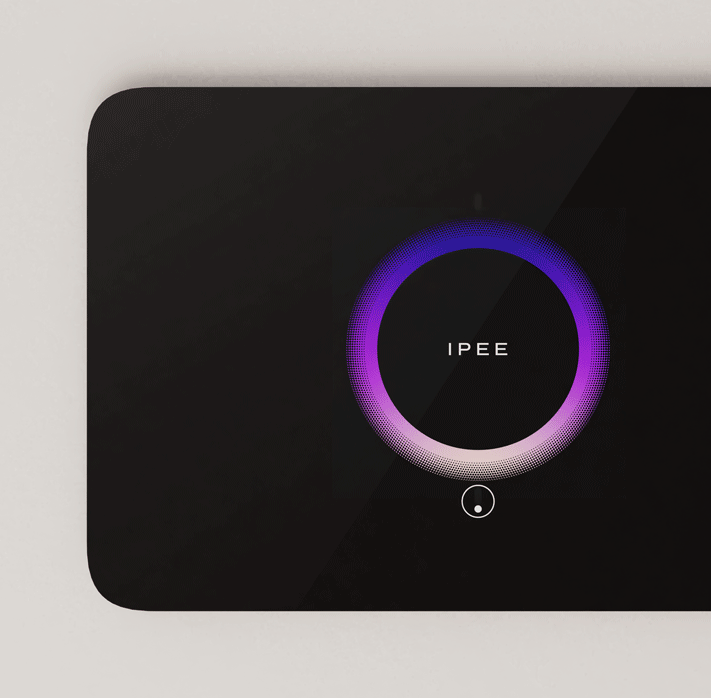
IPEE Buddy flushes automatically after usage, making sure the toilet is always flushed and clean. Autoflush is beneficial for both residential and public environments.
The ToF sensors detect when a user enters and leaves the restroom, resulting in a precisely triggered flush.
In case the system is fitted with Spectre, a flush will only occur when usage has been detected inside the bowl, effectively eliminating false flushes and water waste.
2. Smart Detect
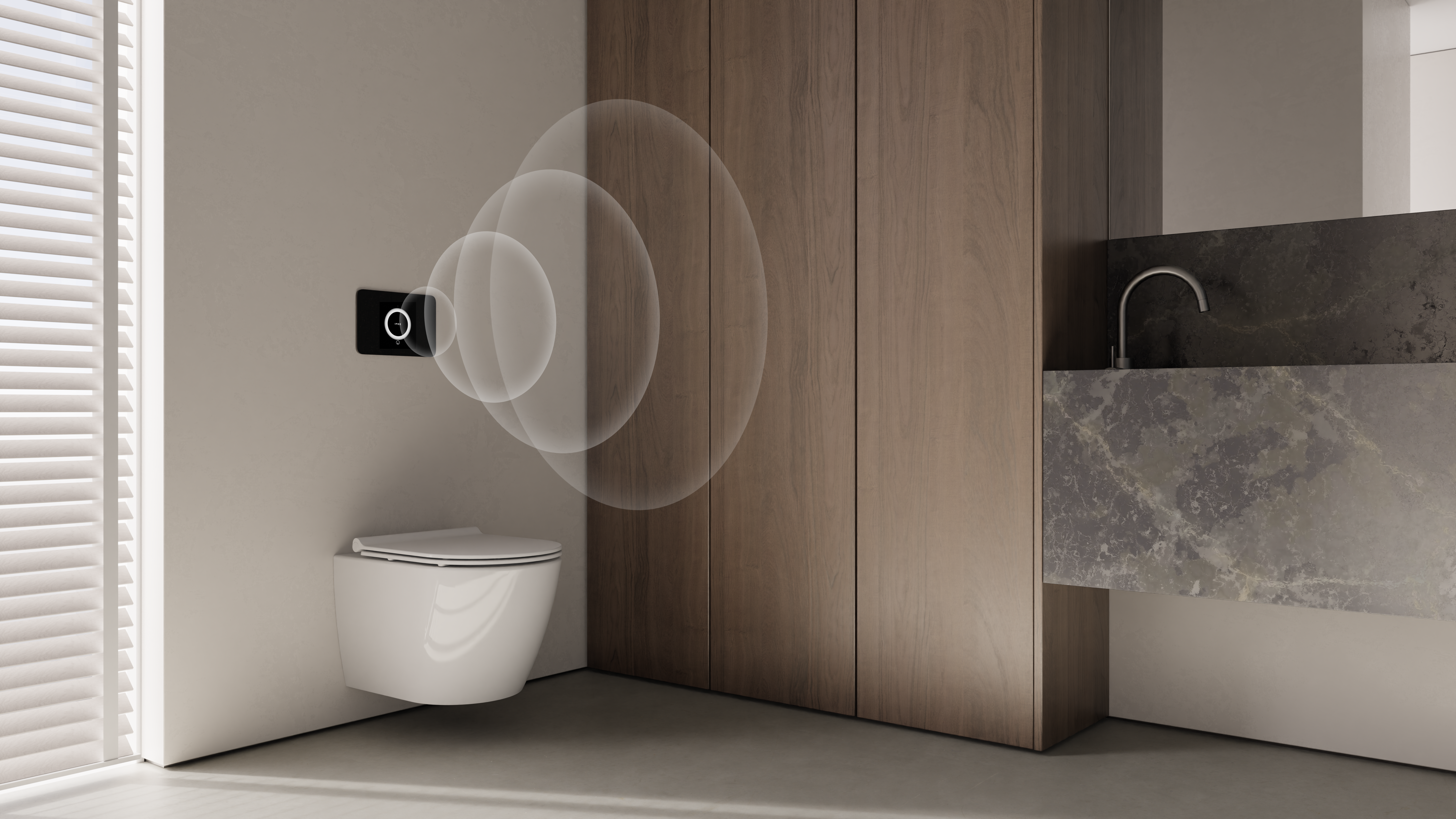
Smart Detect technology automatically adapts the flushing option to the need. Based on the time a person spends inside the range of the Time-of-Flight sensors (less or more than 45s*), Buddy predicts whether a small or big flush is required. The suggested flush volume is displayed by showing either a half or full circle.
A manual override is possible at all time but if the user leaves without any manual action, the toilet is flushed with the suggested volume.
* timing is adjustable in IPEE app
3. Touchless
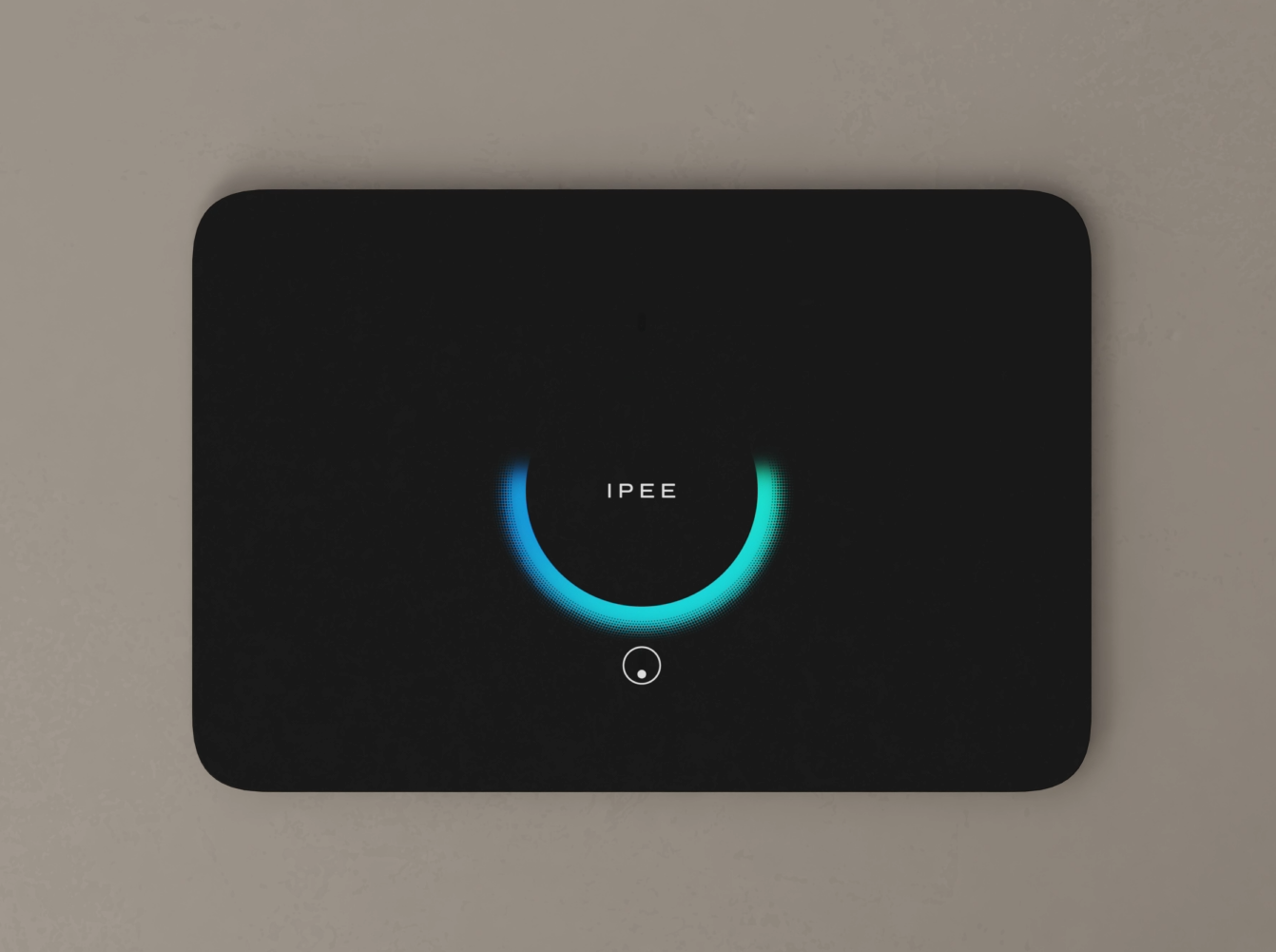
All manual operations are completely touchless, ensuring optimal hygiene and user experience.
4. Clog detection
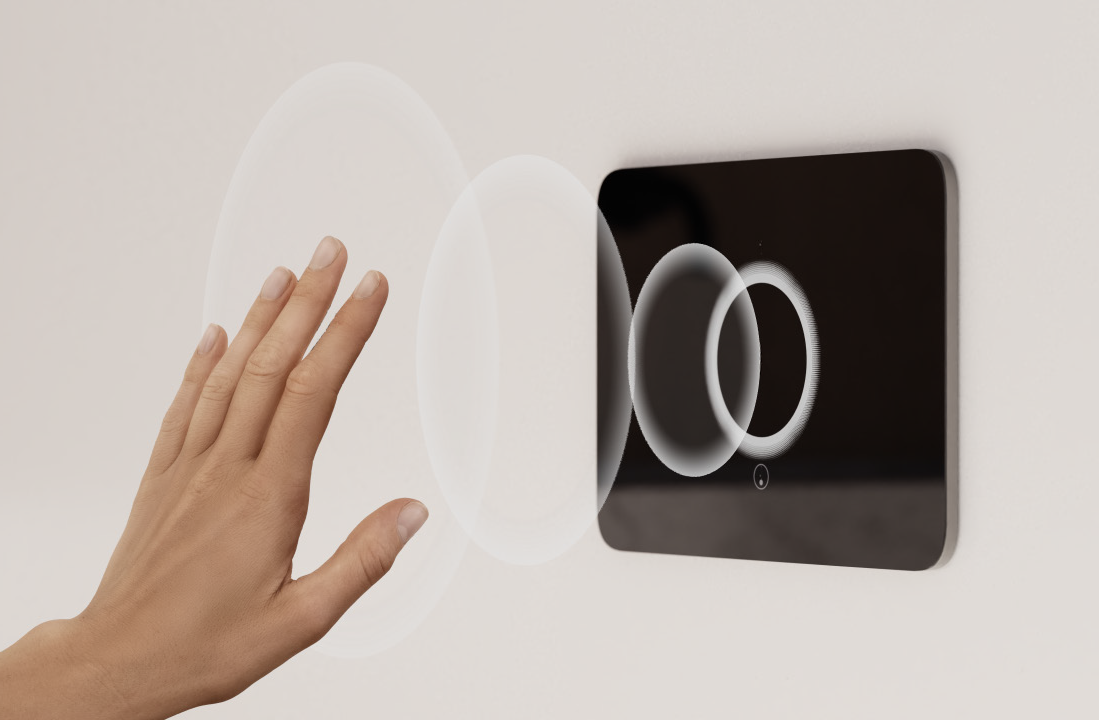
If IPEE Buddy is fitted with a Spectre sensor, it is able to detect cloggings and prevent the toilet from overflowing.
Whenever Spectre detects a clogging, it prevents Buddy to flush. IPEE Buddy warns the user of the clog by displaying a red circle. This red circle is displayed when a person is detected, and after a flush has been prevented.
As long as a clogging is detected, the toilet will not flush (not automatic, nor manual).
5. Cleaning mode
Whilst cleaning or performing maintenance, the autoflush and manual flush can be disabled for 5 minutes.
This can be done either with the IPEE Connect app or manually on the Buddy flush plate.

6. Hygienic flush
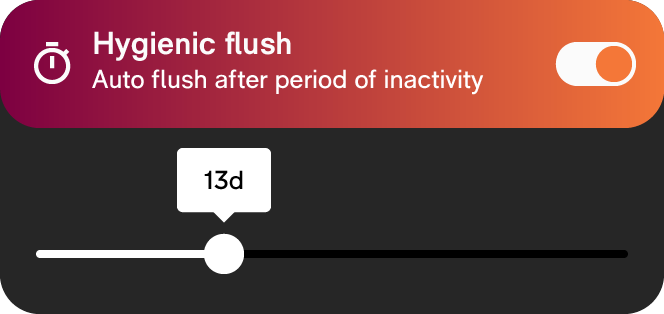
When Hygienic flush is enabled, an automatic flush will be triggered after a certain period of inactivity (1 day - 30 days). This feature is very useful for locations where the toilet doesn’t get frequently used.
Hygienic flush ensures that the toilet’s trap does not dry out so that unpleasant odors are not released. It also reduces limescale deposits.
Hygienic flush can be enabled and configured with the IPEE Connect app.
7. NightGuide
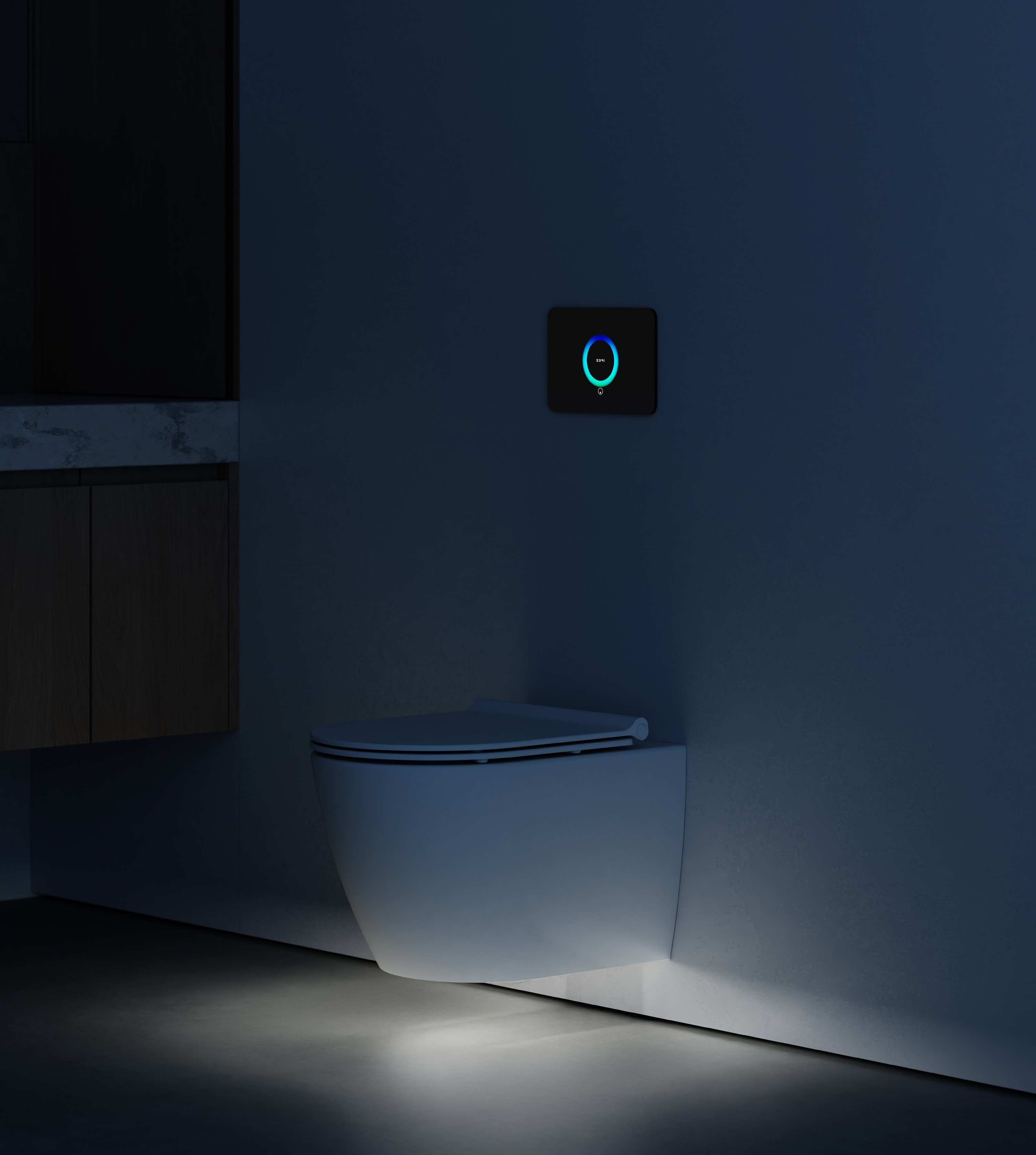
If your toilet is fitted with a Spectre sensor, you also get to enjoy the NightGuide feature.
NightGuide casts soft lighting under the toilet, making it easy to find your way to the toilet at night. The LED is activated when the ToF sensors register user presence. The light automatically fades out when a user is no longer present.
8. Status LED
The illuminated logo in de center of the flush plate has a secondary function: it signals the status of the system.
When a user is detected within the range of the ToF sensor, both the LED ring as well as the status LED (logo) light up. When a user leaves, both LEDs fade out.
Additionaly, the status LED can display some other colors, each having their own meaning.
Orange
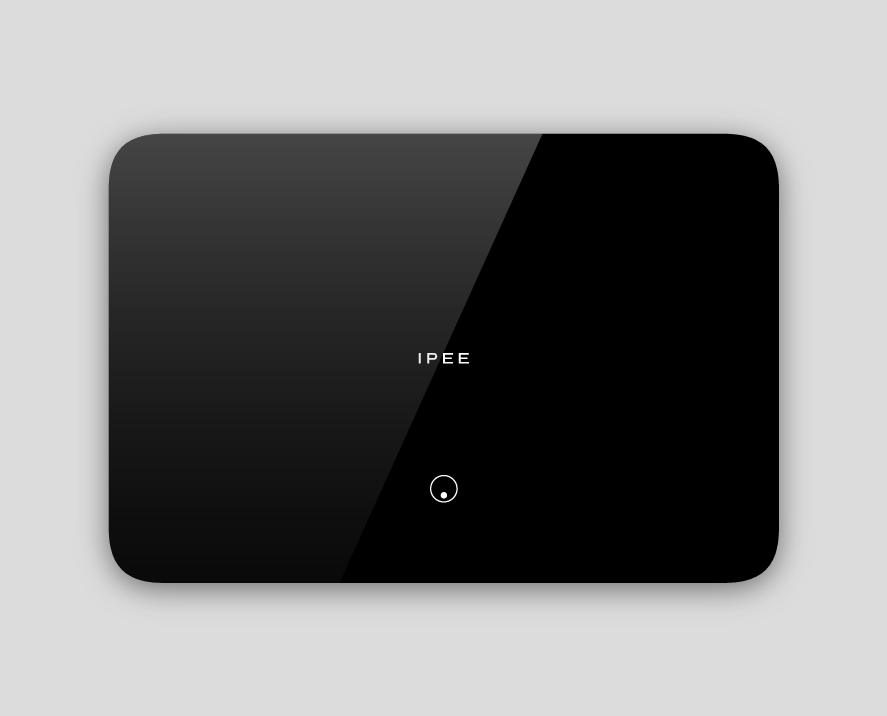
If there is no communication with Spectre, either because no Spectre is connected or because there is a problem with the communication (e.g., faulty wire), the status LED turns briefly orange during the flush animation.
The color change is intentionally very subtle so it can be queried during remote troubleshooting but doesn’t bother an ordinary user.
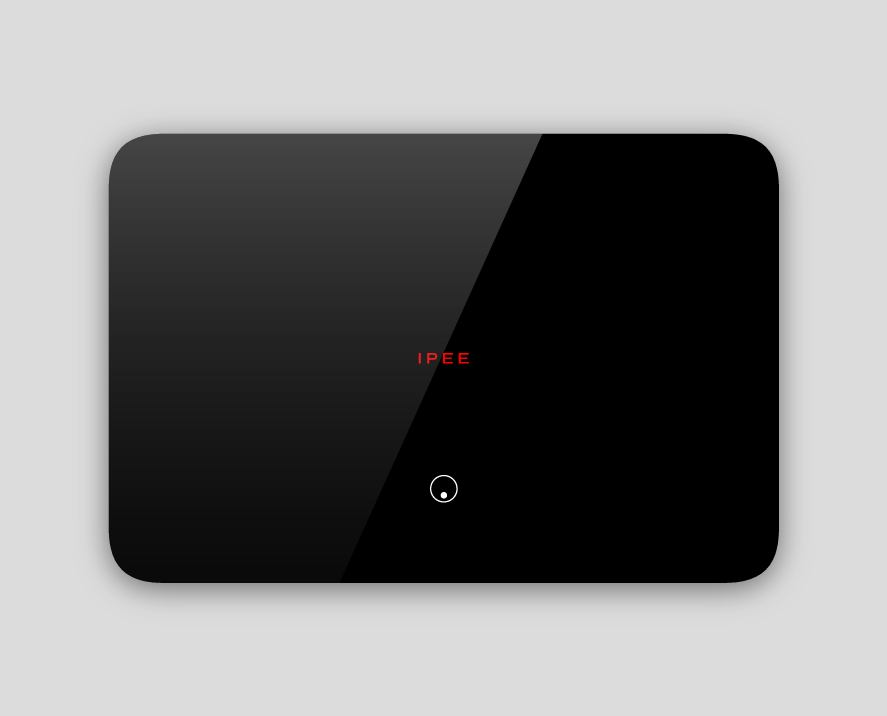
Red
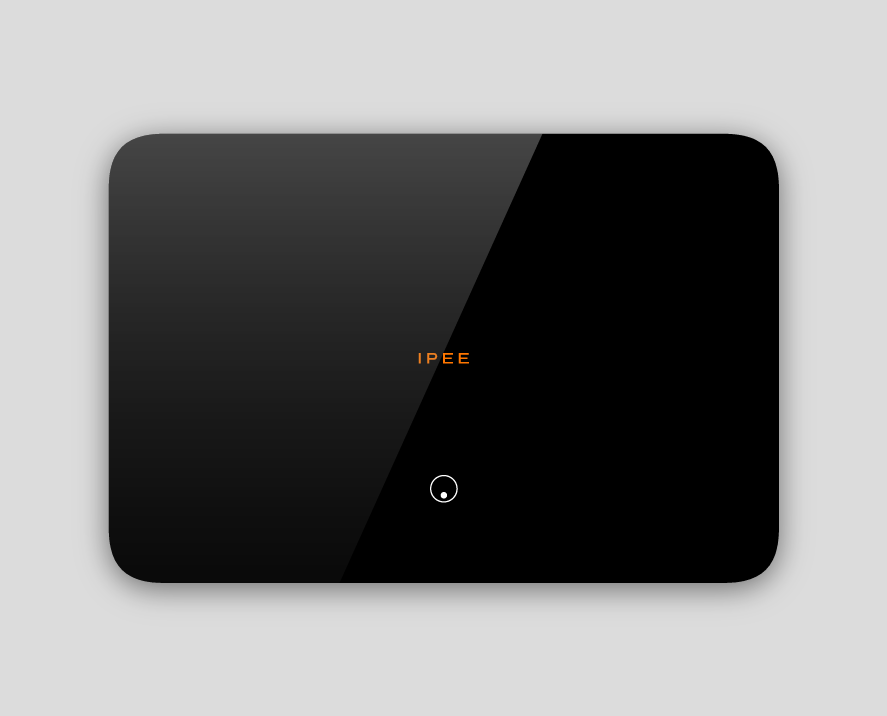
The status LED turns red, when a Spectre is connected but not calibrated. Calibrating Spectre is required for usage detection and overflow prevention. If Spectre is not calibrated, these functions do not work, and Buddy will not flush automatically after usage.
The red status LED is only shown briefly during the flush animation.
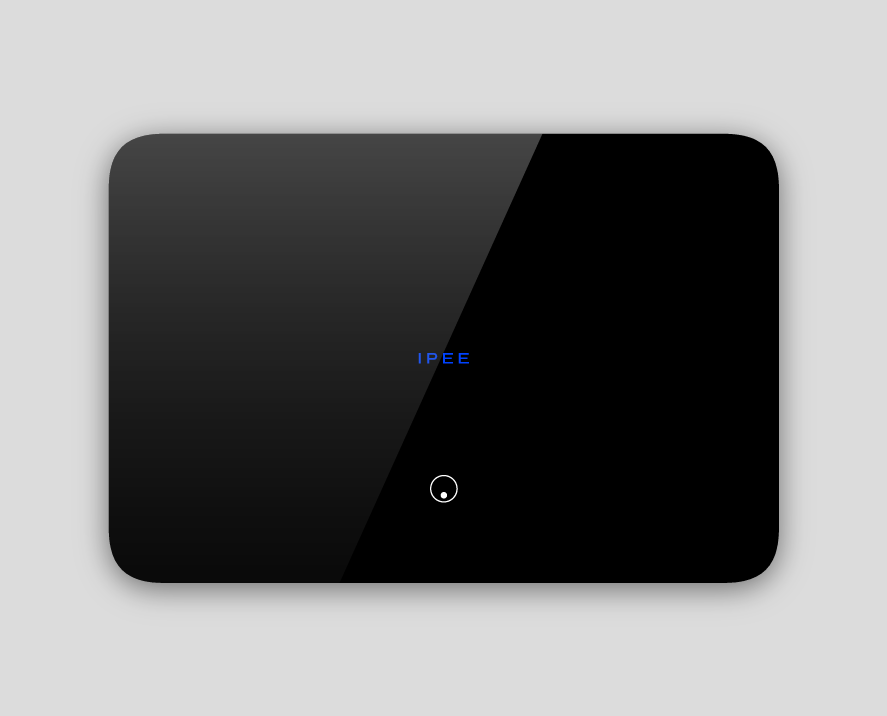
Blue
The status LED turns blue when the flush plate is connected with a smartphone or tablet to the IPEE Connect app. It stays blue until the connection is broken.
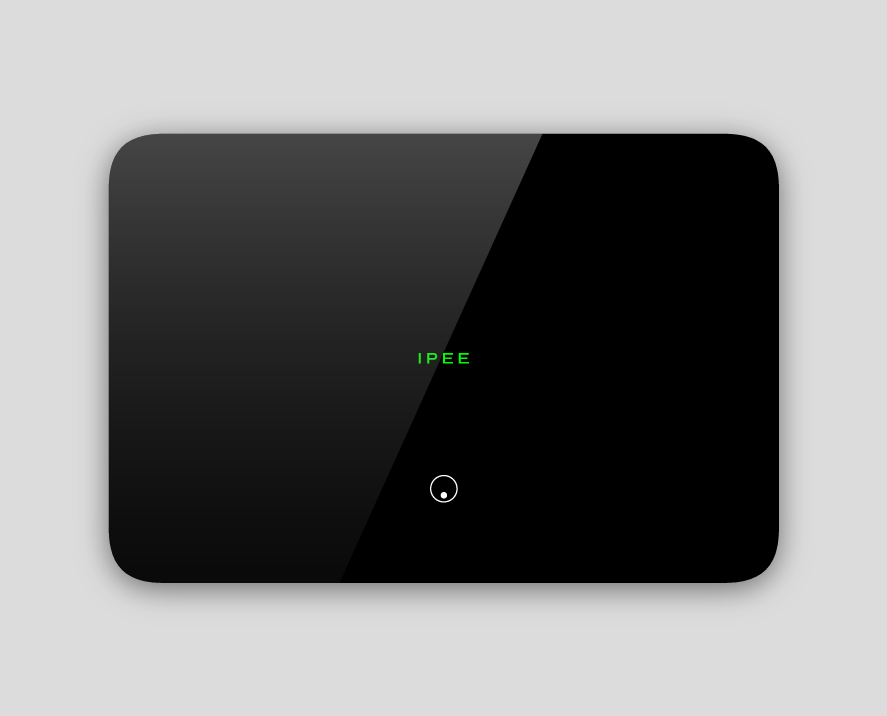
Green
When the flush plate is showing a green status LED, both ToF sensors have been covered for approximately 30s and the system is in factory reset mode.
If power isn’t disconnected within 10s, the status LED turns white again.
9. IPEE app
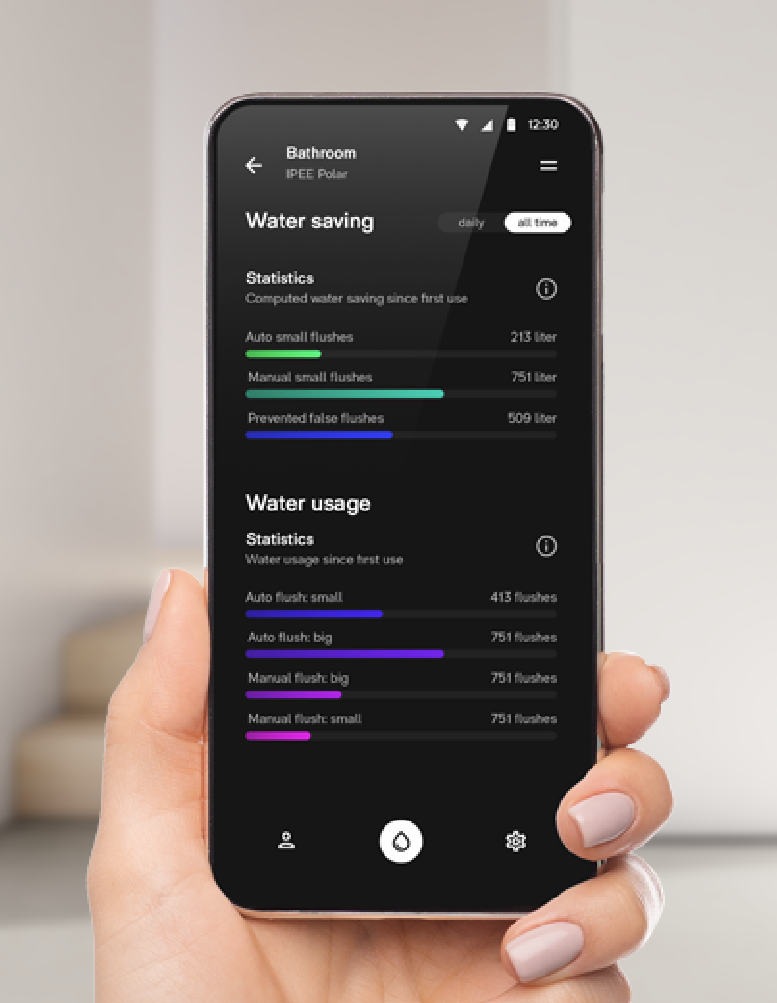
The IPEE app pairs your IPEE Buddy to your smartphone via Bluetooth and lets you get the most out of your flush plate. The app is available for iOS and Android.
The app lets you adjust your Buddy to fit your style and preferences; it gives you insights into your toilet’s water usage and allows you to install the latest firmware updates.
Learn more here: IPEE app
10. Color themes
The IPEE Buddy flush plate has a distinct design with a prominent LED ring that greets you upon arrival.
The color of this LED ring can be set to a wide range of color themes, allowing you to customize your Buddy to your preference and style.
Changing the color themes is done with the IPEE Connect app.