Forced flush
A forced flush can be performed with the help of the Smart Key.
-
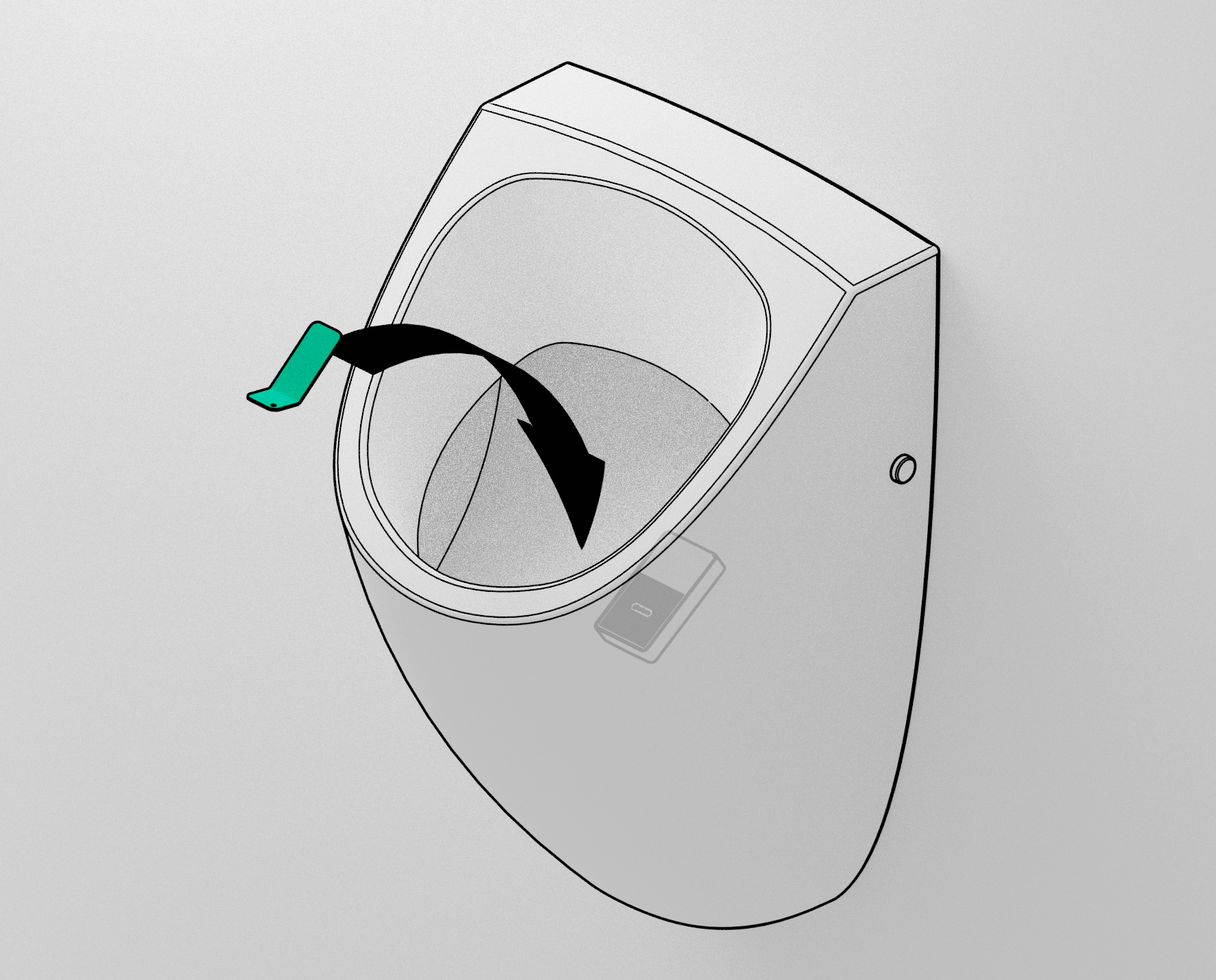
Hold the Smart Key inside the urinal on the aiming target. The IPEE Mini sensor is located underneath this target.
-
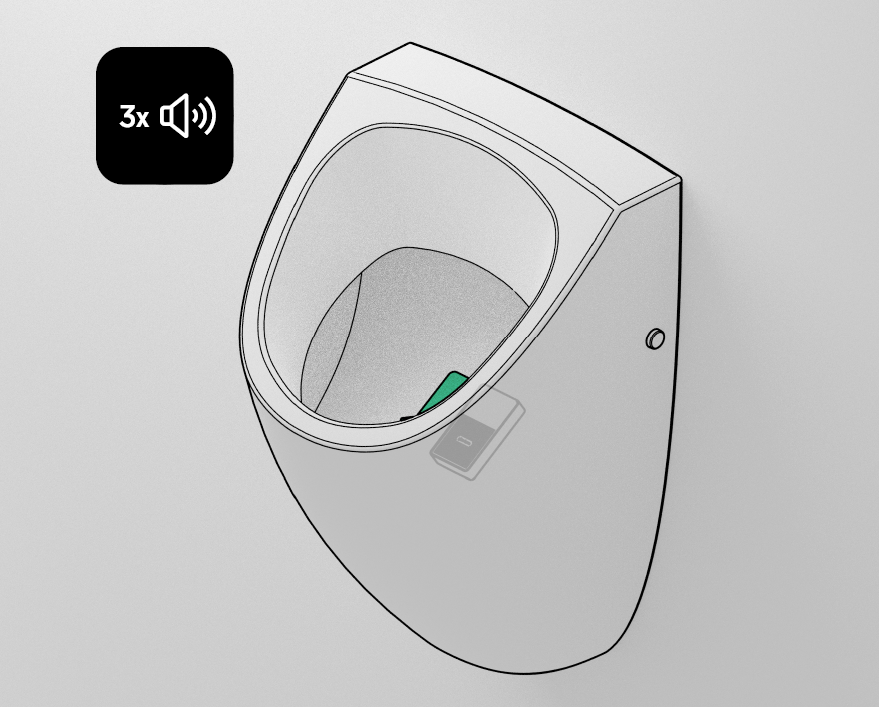
Hold the Smart Key on the aiming target until you hear 3 beeps
-
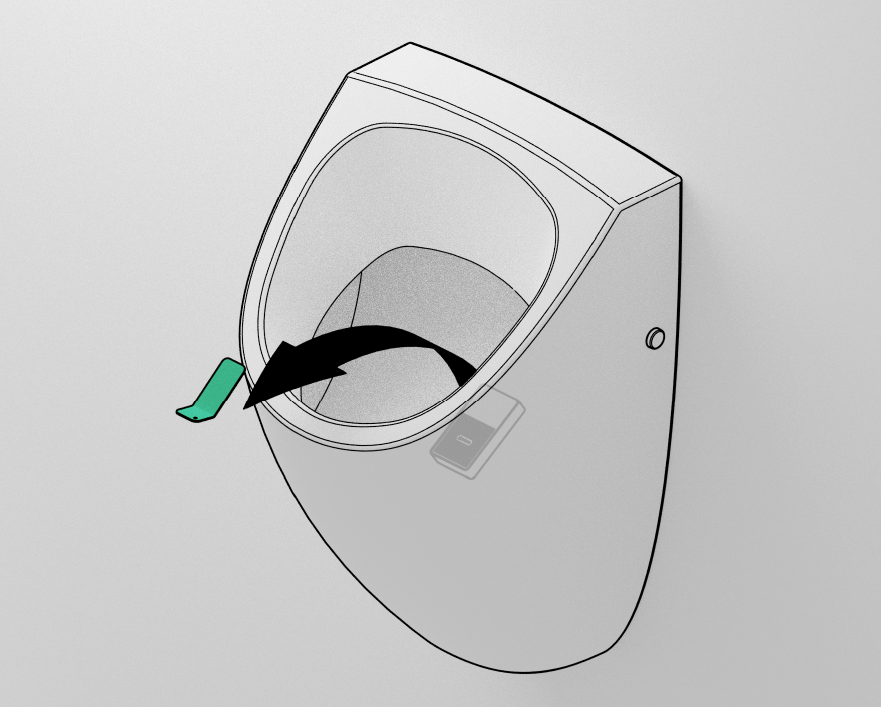
Pull away the Smart Key immediately after hearing the beeps.
-
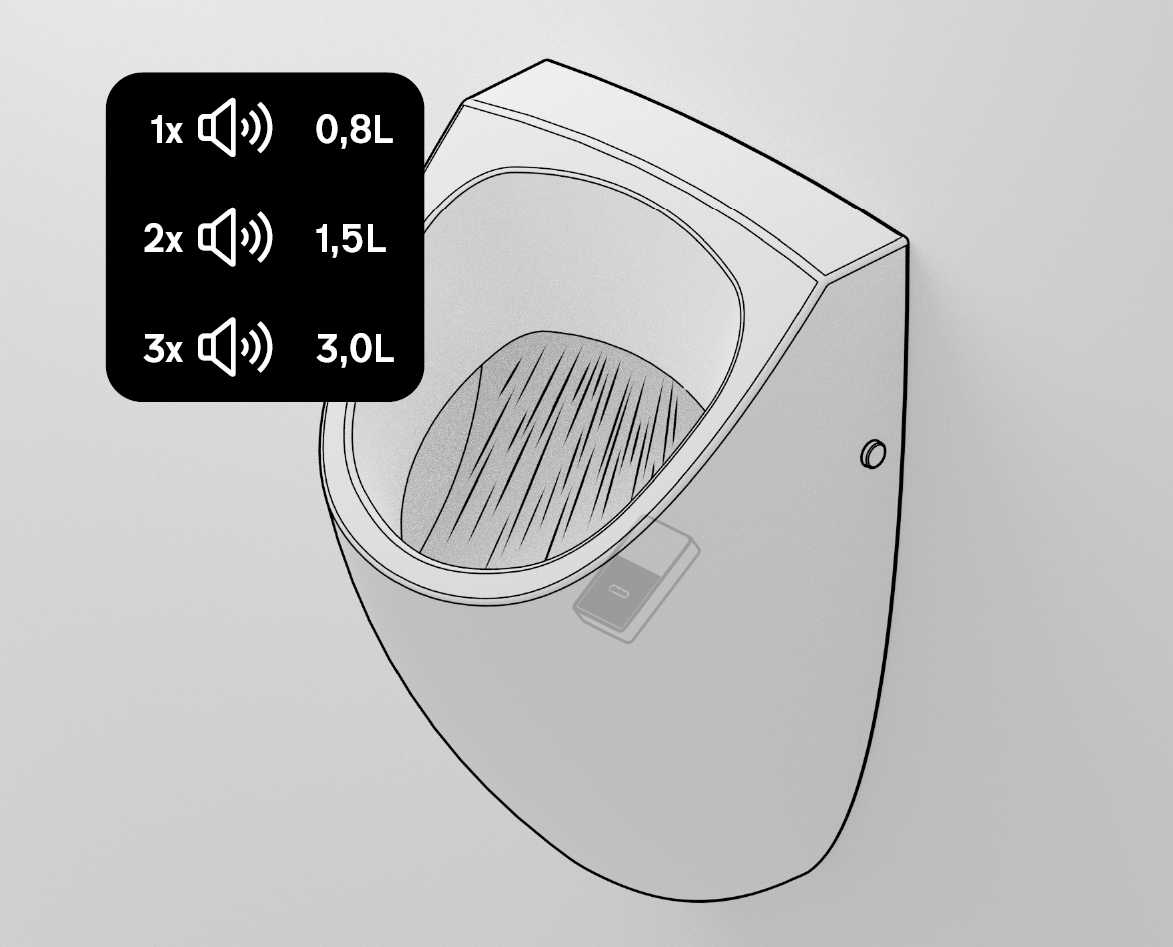
The urinal will now flush with the set flushing volume. The beep(s) right before the flush indicate the set flushing volume
- 1 beep: 0,8L
- 2 beeps: 1,5L
- 3 beeps: 3L
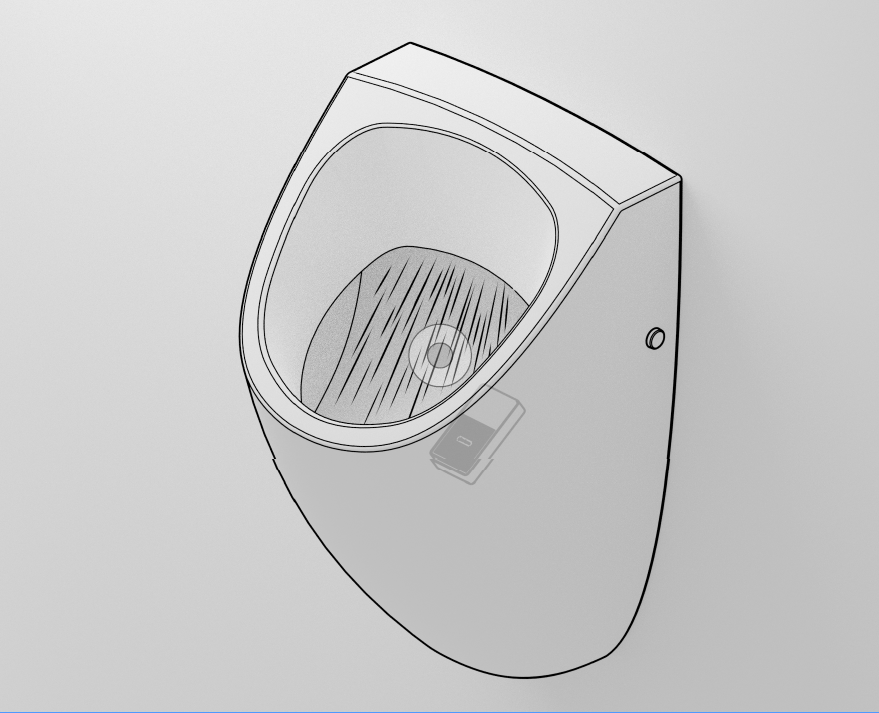
Selecting next flushing volume
IPEE Mini has three flushing volumes too choose from (0,8L - 1,5L - 3L).
Selecting the next one can be performed with the help of the Smart Key.
-
Hold the Smart Key on the aiming target.
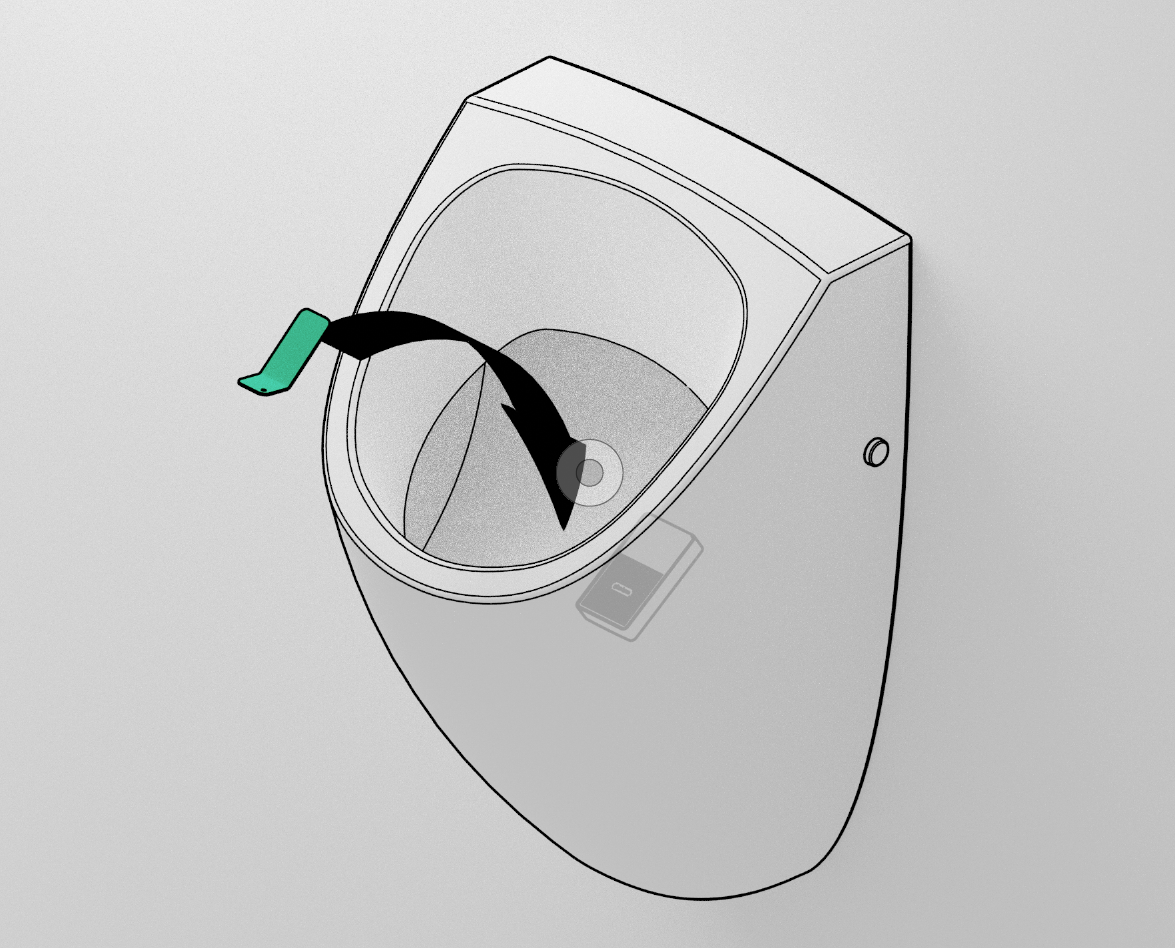
-
Hold the Smart Key on the aiming target until you hear 2x 3 beeps.
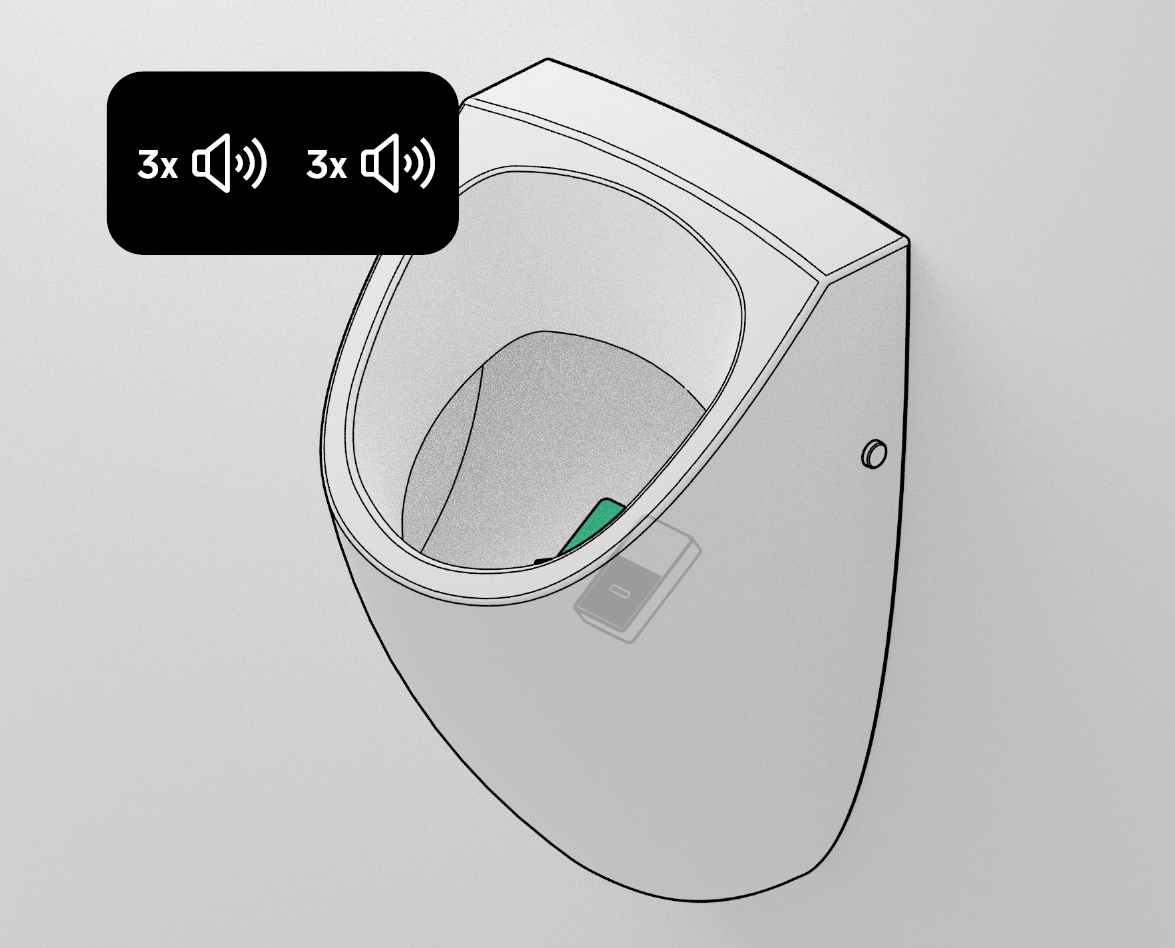
-
Pull away the Smart Key immediately after hearing the beeps.
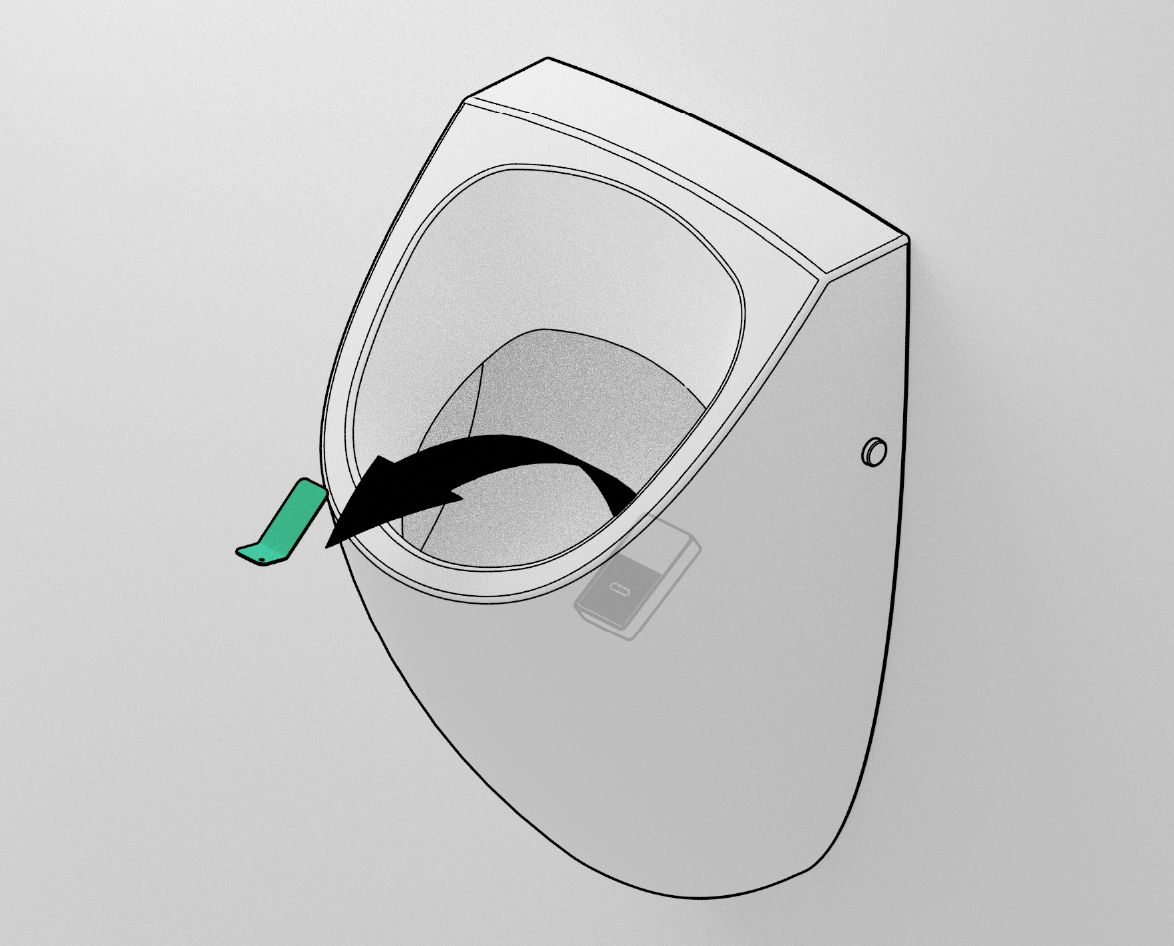
-
The urinal will now switch to the next flushing. The beep(s) right before the flush indicates the volume.
- 1 beep: 0,8L
- 2 beeps: 1,5L
- 3 beeps: 3L
Repeat the process until you’ve set the desired flushing volume.
Calibration
If the sensor malfunctions (or is replaced), recalibration of the system is required.
-
Make sure the sensor is properly attached inside the urinal with high tack glue.
-
Make sure the urinal is empty (no water, no metal, no hand, …)
-
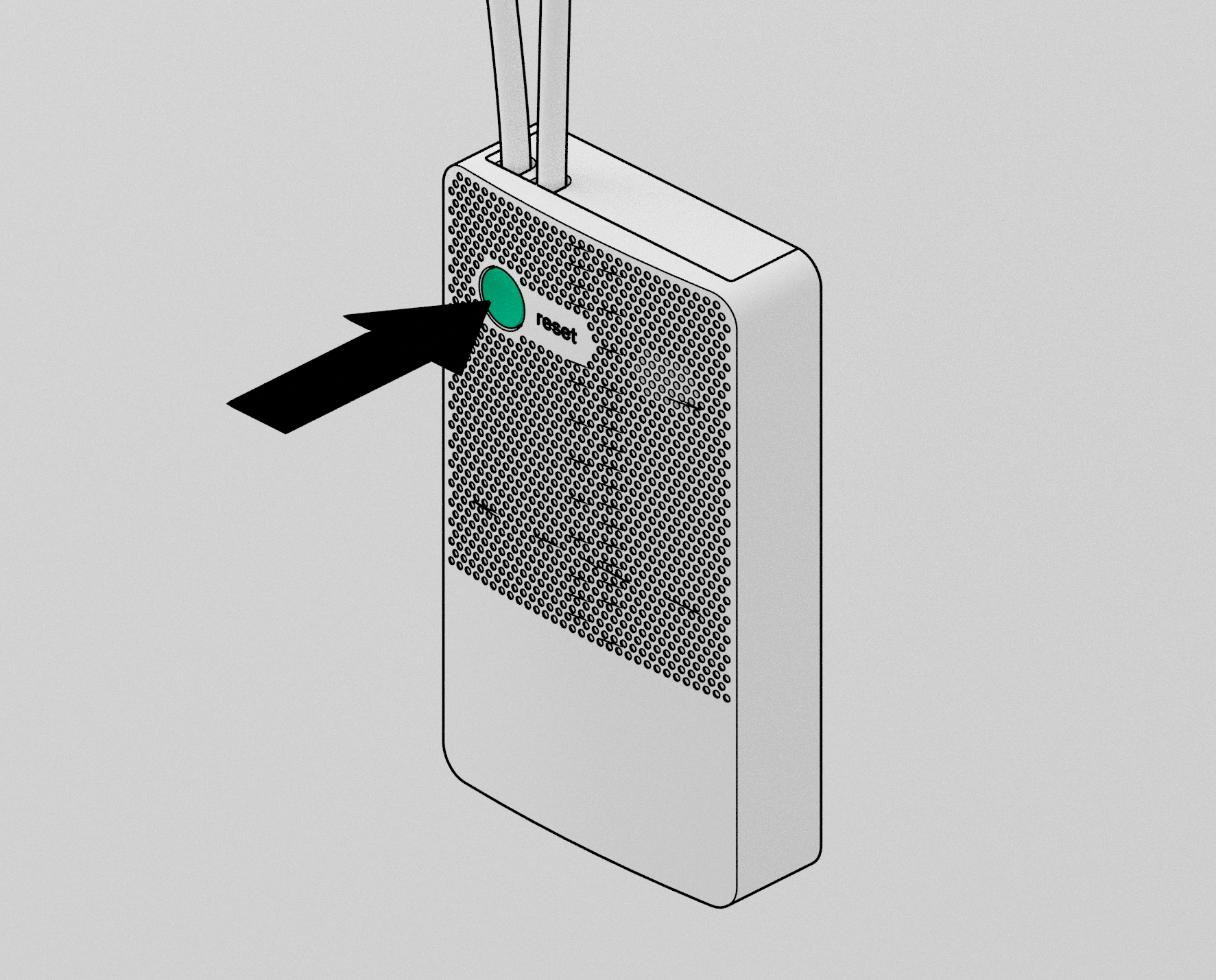
Press the reset button to start calibration.
-
A small melody plays when calibration is finished.