
1. Dual flush
Dual flush lets you manually choose the desired flushing volume (big or small) by holding your hand long or short in front of the flushing symbol. When this feature is disabled, small flush is disabled (for both manual and automatic flushes).
If Dual Flush is disabled Smart Detect is automatically disabled. The Smart Detect button gets grayed out to reflect this.

2. Smart Detect
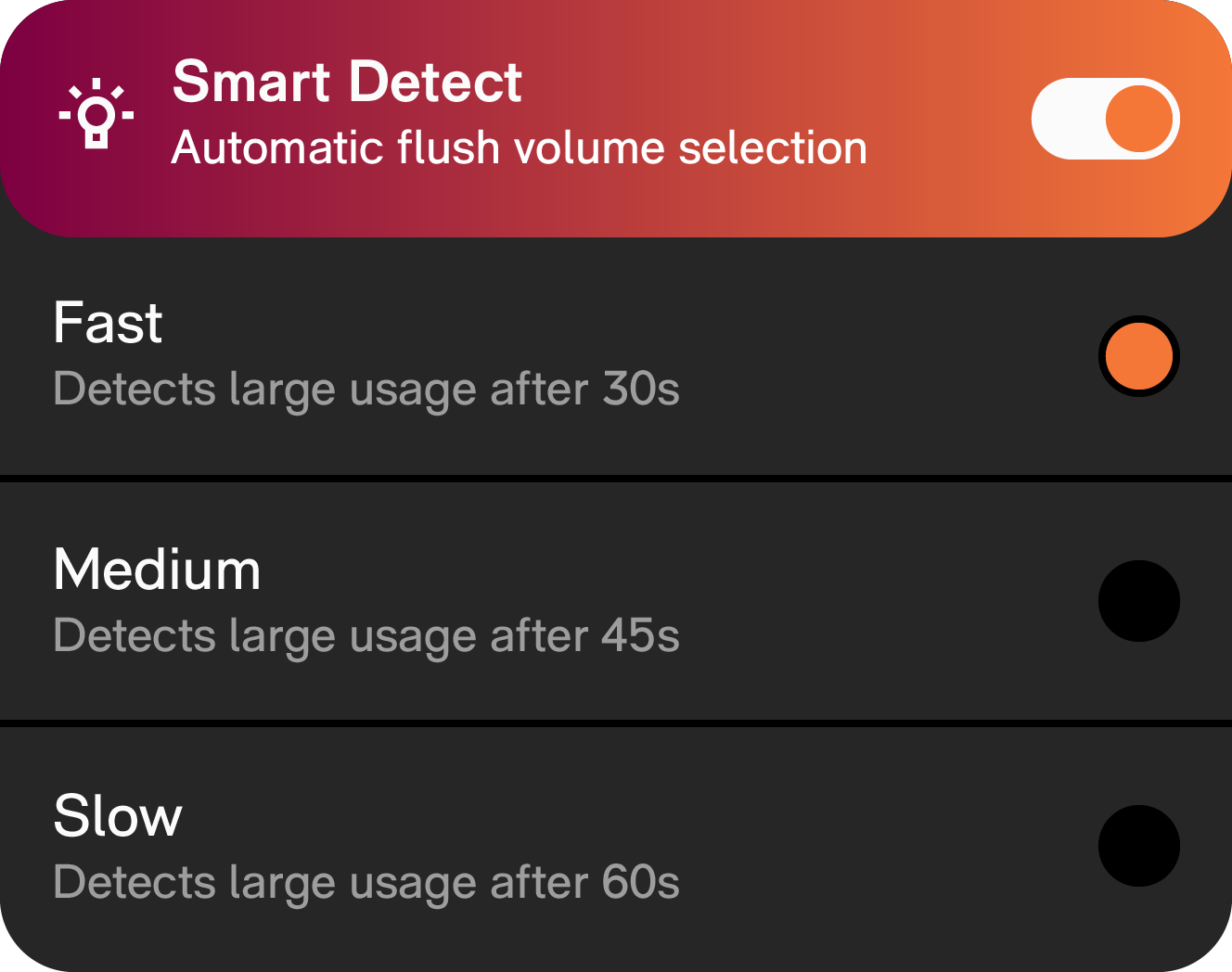
Smart Detect automatically adapts the flushing volume (big or small flush) to the situation, based on the time the user spends in front of the toilet. Once enabled, the detection speed (=how fast Smart Detect suggests a large flush) can be adjusted as desired.
If Smart Detect is enabled Dual Flush is automatically enabled.
3. Hygienic flush
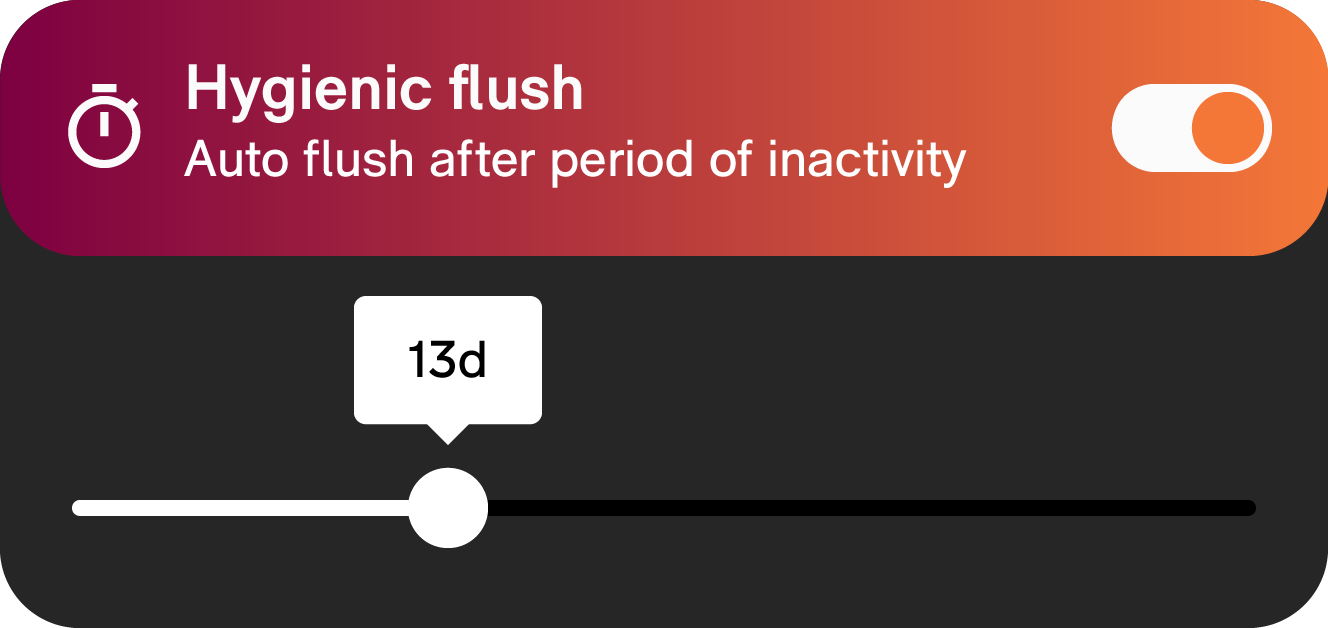
Hygienic flush is very useful for locations where the toilet doesn’t get frequently used. This feature ensures that the toilet’s trap does not dry out so that unpleasant odors are not released. Furthermore, it helps reduce limescale deposits.
When Hygienic flush is enabled, an automatic flush will be triggered after a certain period of inactivity. A timing can be selected using the slider bar.
4. Color
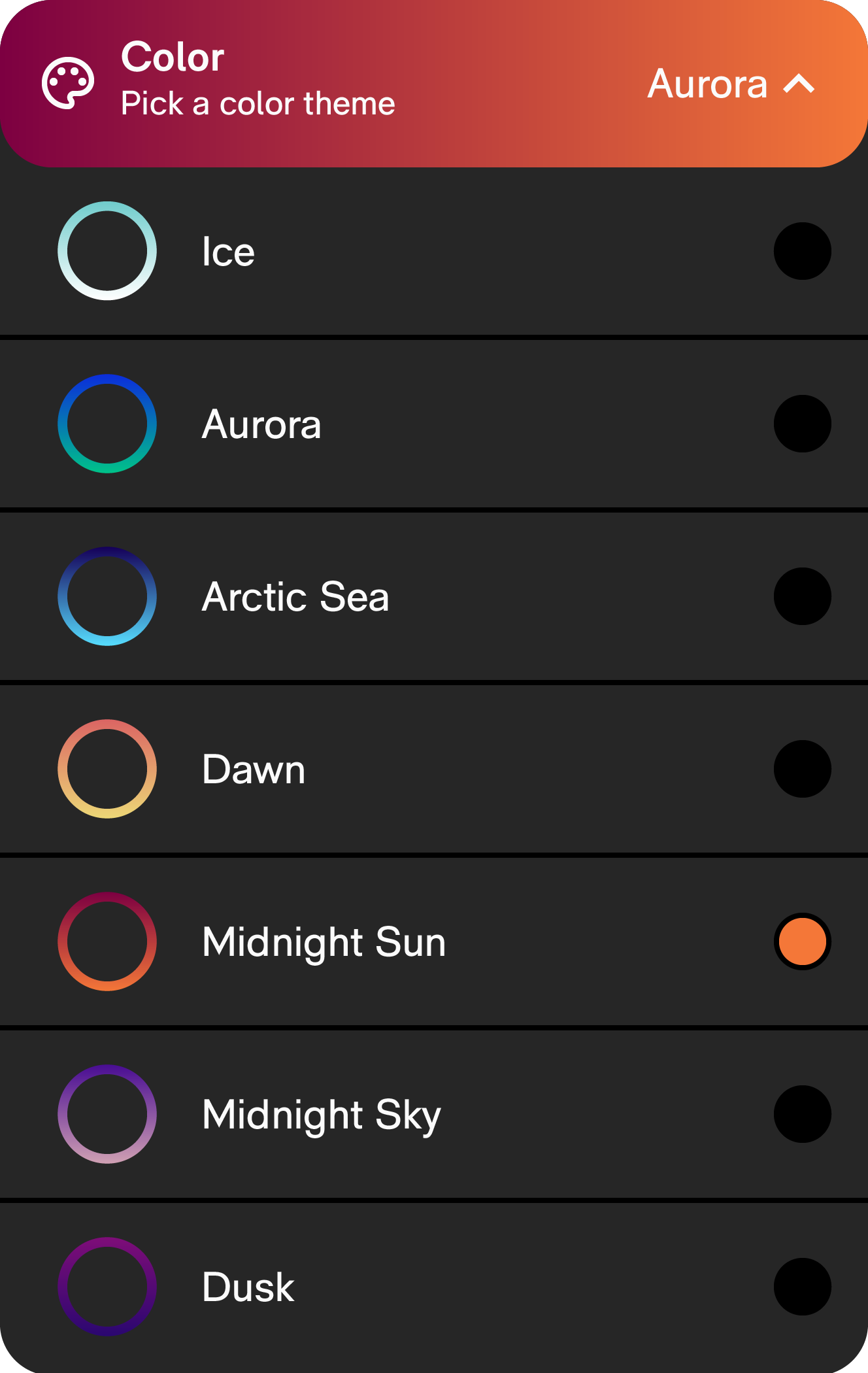
Color lets you pick the color of the LED ring of Buddy. The color theme is displayed when usage is detected or a manual flush is triggered.
5. Fun mode
When Fun mode is enabled, after every flush (manual or automatic) a smiley is displayed on the interface.
