Device name
Device name lets you set a unique name (max. 8 characters) for your Buddy device (the name that gets displayed in the app). By choosing an appropriate name (e.g. Bathroom or Guest), it becomes very easy to distinguish the Buddy flush plates in the app when more than one is installed.

Pin code
Pin code allows you to secure the device. Only users with a PIN can add the device to the app and thus change settings. This setting is especially useful for public spaces.

System information
System information gives an overview of the system, its serial number and firmware version.

Check for updates
Check for updates lets you manually search for firmware updates. If an update of the flush plate is available this will be indicated on the button itself.
After tapping the button, a screen will show some information of the firmware version. Tap ‘Update now’ to download & install the update. Make sure to stay near the flush plate until the update is completed.

Room settings
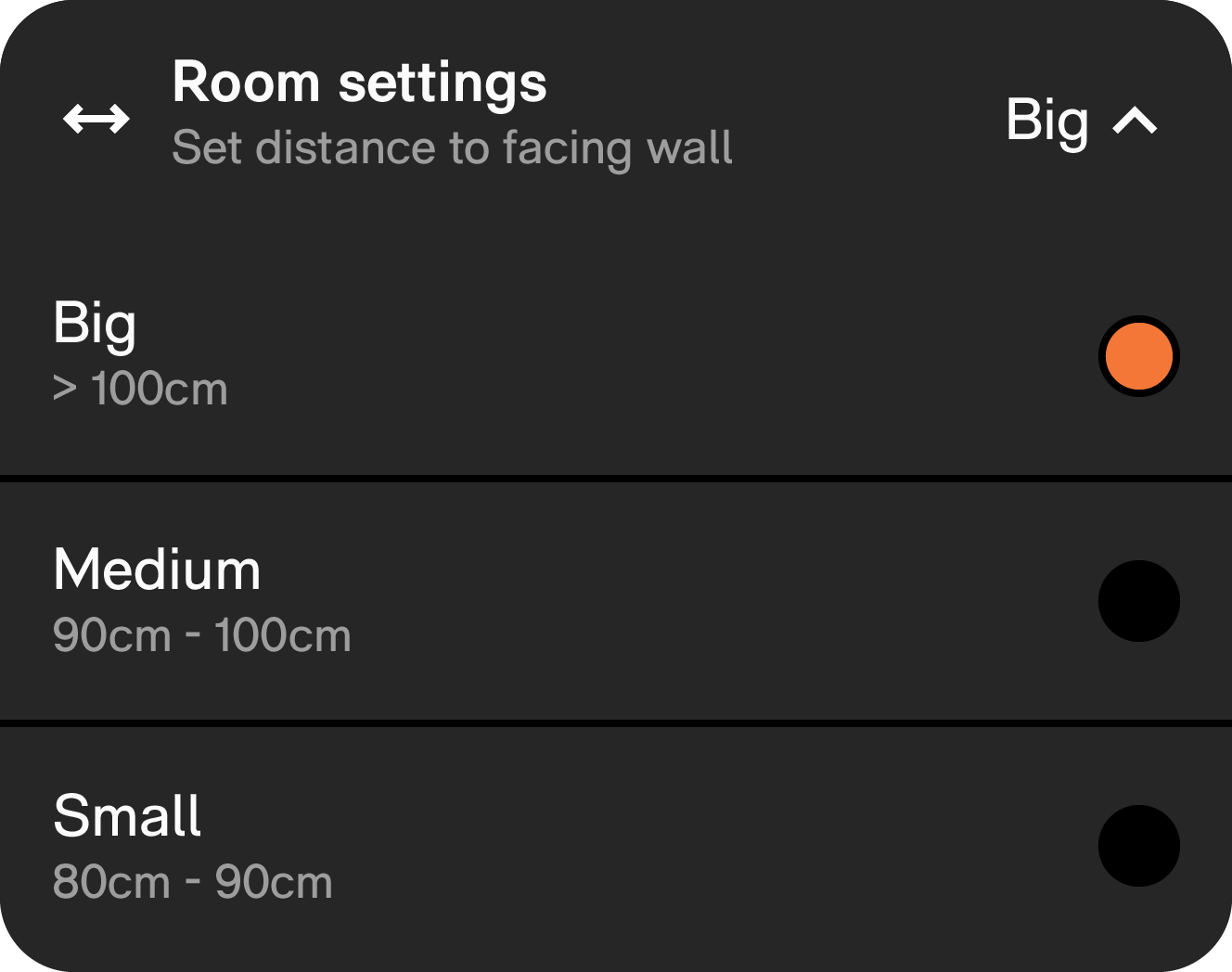
Room settings lets you set the distance from IPEE Buddy to the opposite wall. A correct distance is required to assure optimal performance of the user detection.
Small flush duration
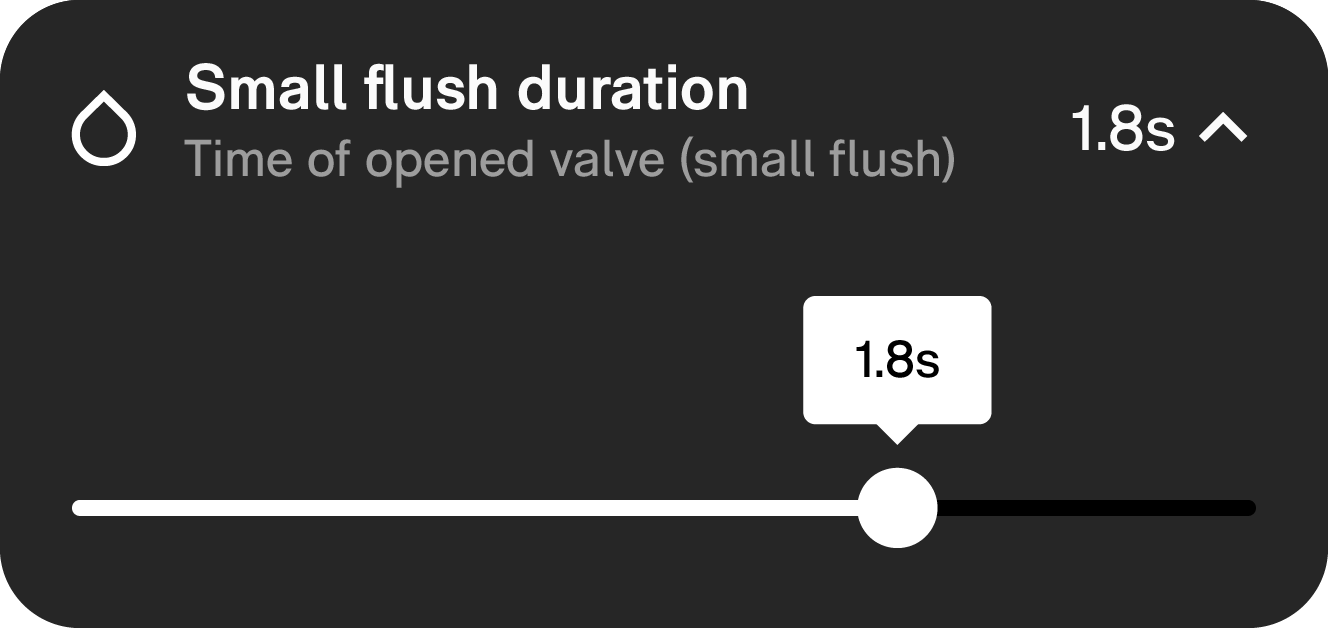
Small flush duration lets you set the flush volume of the small flush based on the time the valve is opened. Resulting flush volume will depend on the available water pressure.
Big flush duration
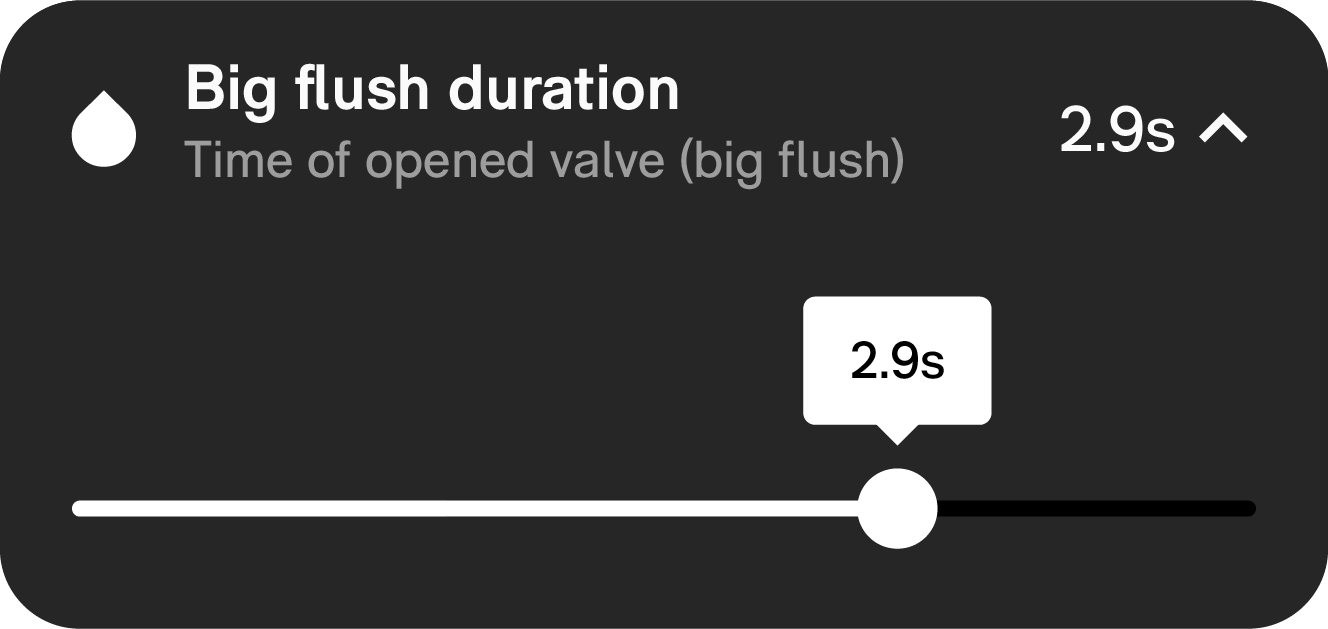
Big flush duration lets you set the flush volume of the big flush based on the time the valve is opened. Resulting flush volume will depend on the available water pressure.
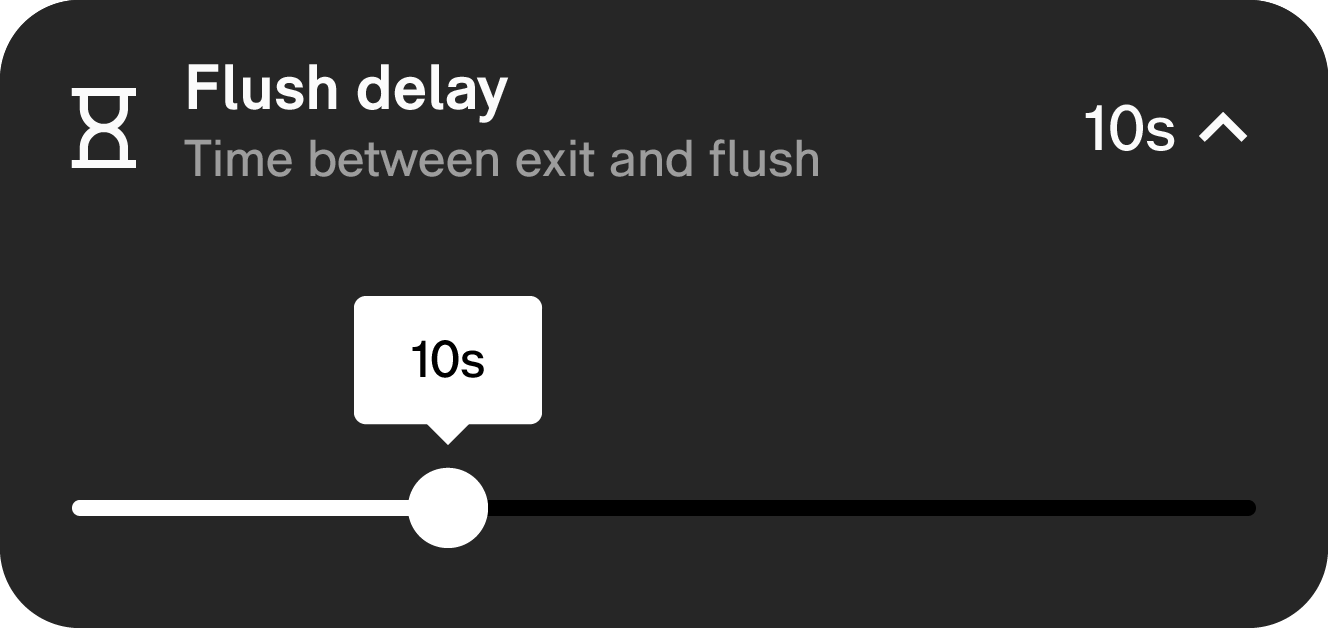
Flush delay
Flush delay allows you to set the time
between a person leaving the toilet and
Buddy initiating a flush. A short delay is
usually recommended for high-traffic public
locations; a longer delay is more desirable
for a residential setting.
Manual maintenance
Manual maintenance determines whether cleaning mode and calibration can be activated manually. If manual maintenance is disabled cleaning mode and calibration can only be activated with the app.
Default manual maintence is on, to allow installers to calibrate manually during the installation.

Cleaning mode
Cleaning mode lets you turn off the automatic flush for 5 minutes. It is recommended to use this function while cleaning the toilet, as it prevents the flush from being accidentally activated by the movement of the toilet brush or the dissolution of the detergent.

Test flush
Test flush triggers a flush. Both a small and big flush can be chosen. This function is mostly useful for testing.

Calibrate
The Calibrate function (re-)calibrates the
flushing system. Calibration of the system is
necessary to account for tolerances in the
ceramics and throughput of the drainage
pipework.

Restart
Restart reboots the IPEE Buddy flushing
system. Restarting the system is only
necessary if it is not working properly.

Factory reset
Factory reset resets all settings and preferences. Statistics are not lost.
If the button is clicked a popup screen appears to confirm the action. This reduces the risk of an accidental factory reset.

Transfer
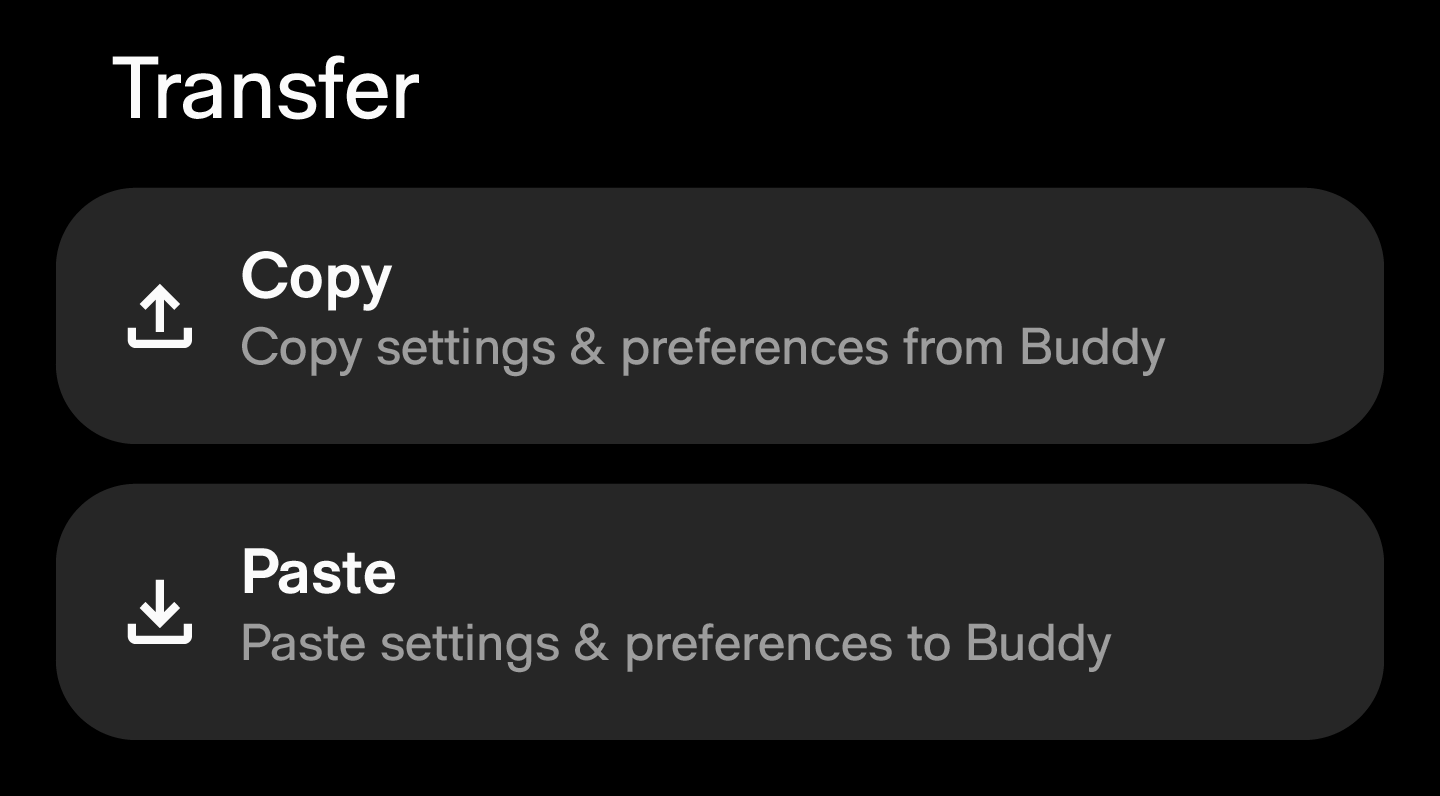
In large locations it can be beneficial to transfer settings from one flush plate others. to ensure they have the same settings.
The transfer settings feature copies all prefences (1st tab) and settings (3rd tab), except the name and firmware. And can be “pasted” in other flush plates.